VS Code extension
Connect Antigravity to Skopio
Install the Skopio VS Code extension in Antigravity to capture detailed coding activity and sync it with your local dashboard.
Installation
Up and running in 3 steps
- 1
Open Extensions
Open the Command Palette with ⇧⌘P, type “install”, then choose Extensions: Install Extensions.

- 2
Install Skopio
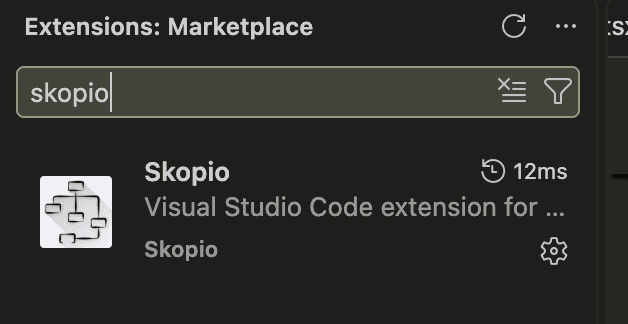
Search the Extensions Marketplace for “Skopio”, select the extension published by Skopio, and click Install.
- 3
Start using Antigravity
The extension starts automatically. Keep the Skopio desktop app running to sync categorized activity to your dashboard.
Your data stays local on your Mac. The extension sends activity events only to the Skopio desktop app running on your device.